
Keeping an eye on your tyre pressures can be a pain, especially if you own more than one car…like I do. You have to faff about looking on the door pillars, in the fuel cap or wherever else the manufacturer has stuck the recommended pressures.
Not anymore; thanks to the Ring Smart Tyre Inflator, all you have to do is whip out your smartphone.


What is it?
It’s a Bluetooth enabled tyre inflator, which links to the RING Connect app, available for Android and iOS. Thus making it the Ring Smart Tyre Inflator.
How?
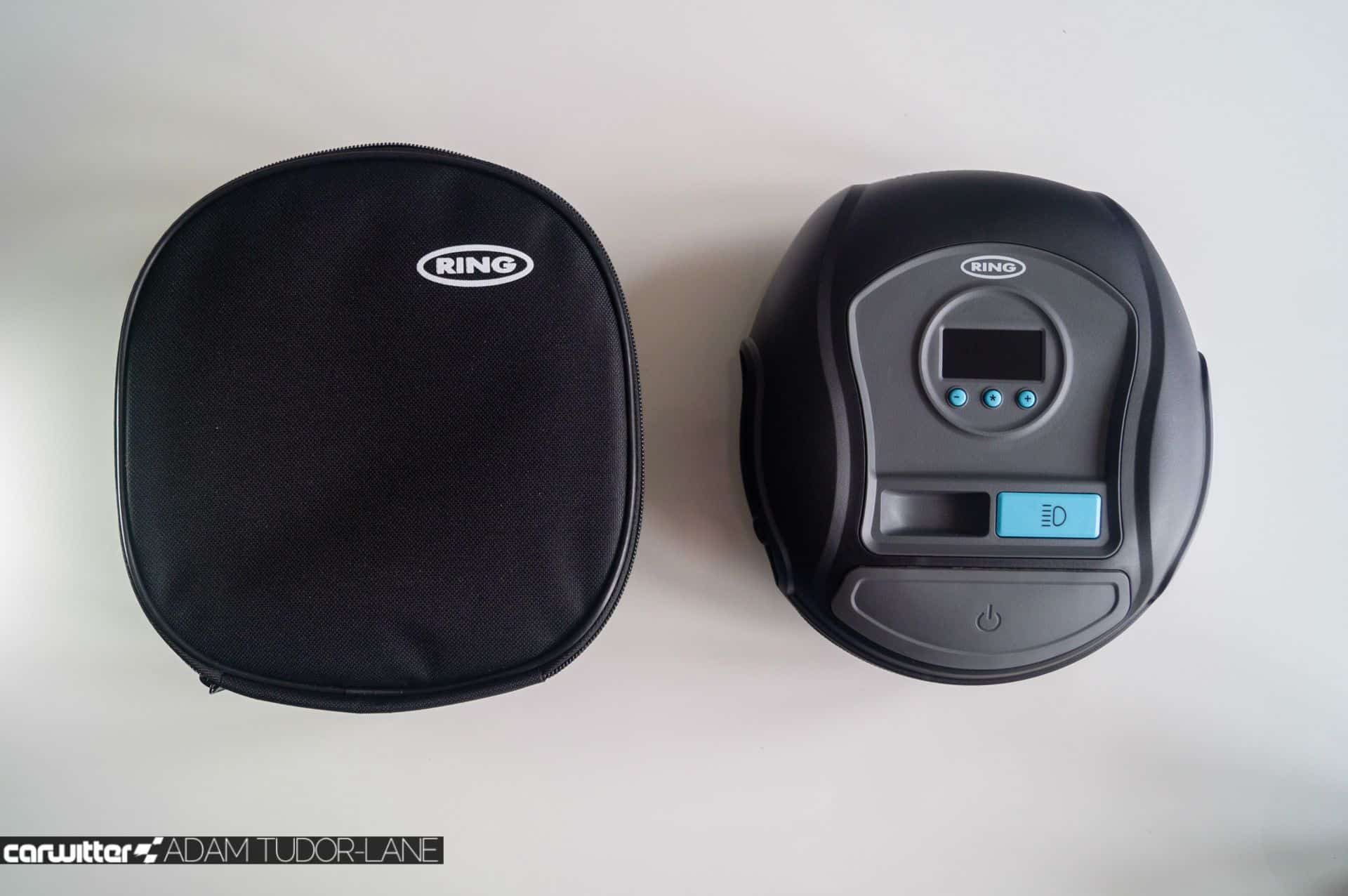
Taking the form of the Ring RTC1000, it features the same large start-stop button and backlit LCD. The only discernible difference from the outside is that the buttons are now blue, and instead of the rotary dial to change pressure, there’s a plus, minus and a star.
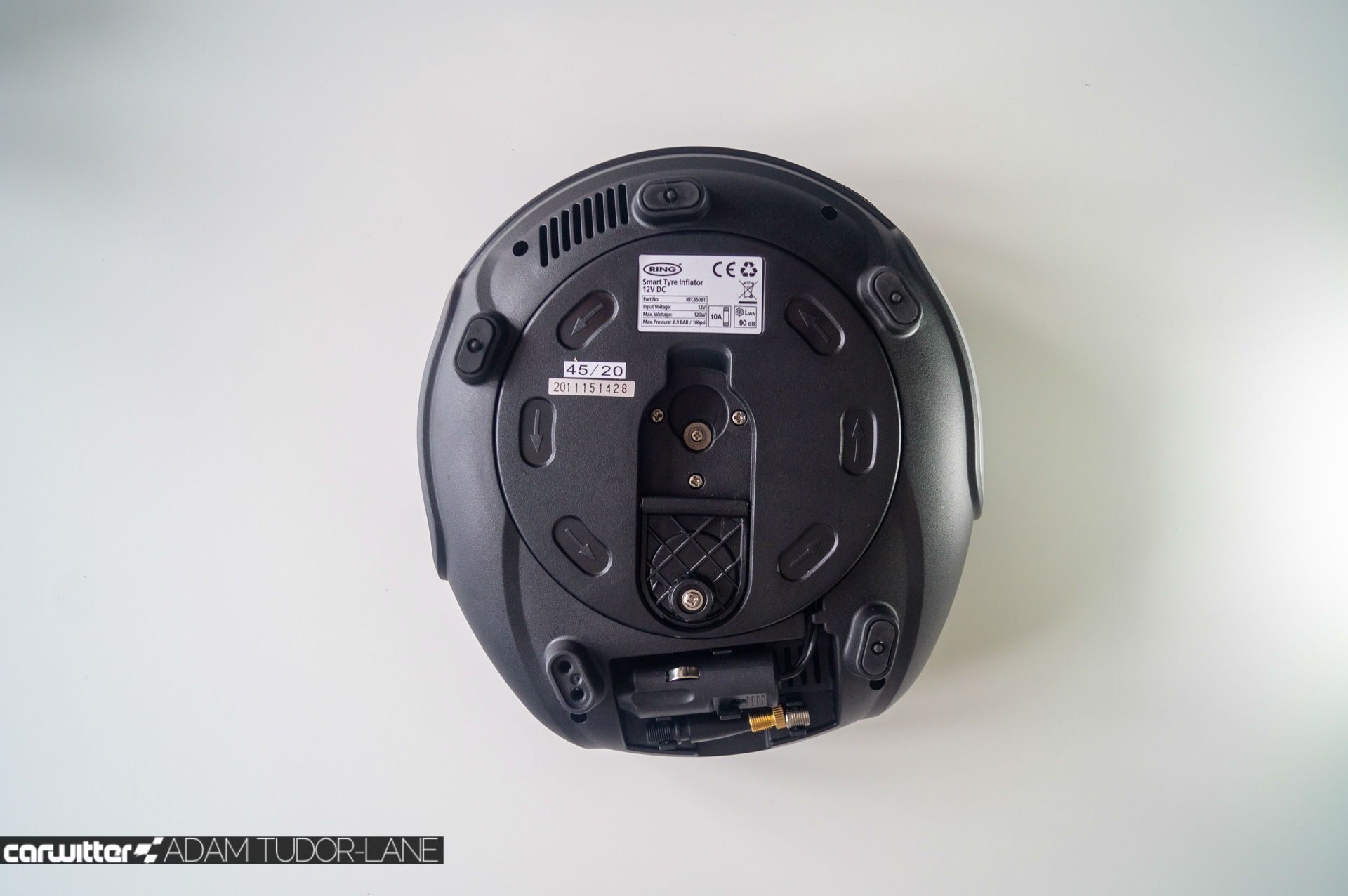
You get the same 3.3-metre power cable and a 70cm air hose along with the handy little indent on the body to store the dust caps when not in use. There’s also an LED light on the side along with a handy carry case – but it lacks the dust caps, spare fuse and latex gloves like the RTC1000.
Oh, and there’s also the ubiquitous adapters for footballs and bicycles.

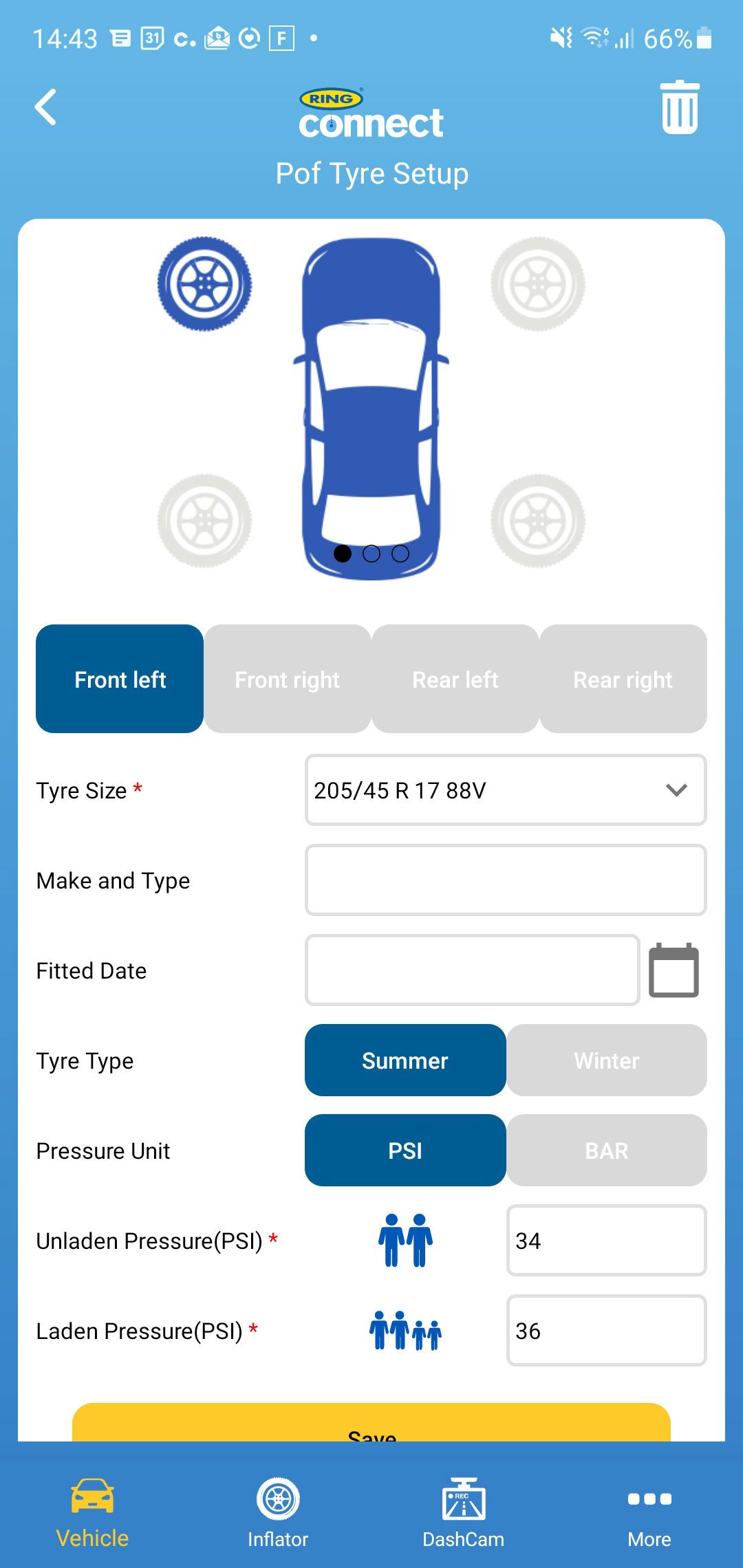
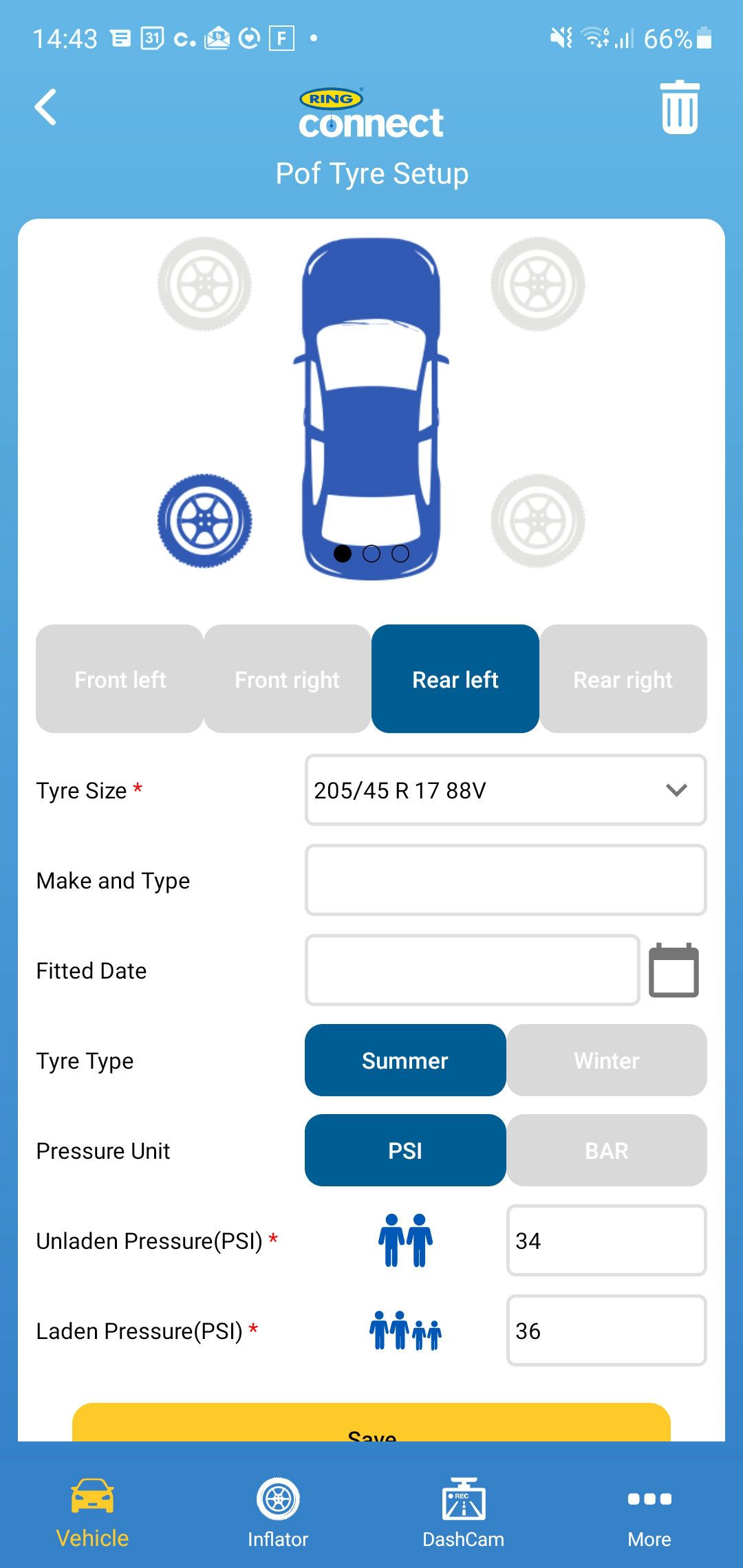
After you’ve downloaded the Ring Connect app, you add your car by entering the registration number. Then you need to select your tyre size, so it makes sense to have noted these down beforehand. The Ring Connect app will then magically find a tyre pressure, but more on that later…
It’s incredibly easy to connect to the Ring app. Plug the inflator into the car, open the app on your phone, select ‘Inflator’ and then press ‘Search’. It will find the inflator and connect automatically.
You can then either press the foot button to inflate the tyre or the green ‘Tap to inflate’ button on your phone. It will then start inflating until you get to your selected pressure before stopping.
The app saves all your tyre pressures along with other data that you can manually enter, such as date fitted, light or heavy load, winter or summer tyres. You can even add images of each vehicle and the tyres; the app is limited to five vehicles currently.

What’s it like?
Well, the idea of the Ring Smart Tyre Inflator is incredibly handy, one tyre inflator that stores the pressures of each vehicle, so all you have to do is connect it, and press go—a hassle-free way to keep on top of your pressures.
You’re waiting for a but, and here it is…the app isn’t the best. Now it works perfectly fine, but it’s a little clunky, and most importantly of all, the tyre pressures it automatically comes up with are wrong.

On our test car, a 2017 Peugeot 208 XY, the official tyre pressures are 2.5 bar front and 2.3 rear for a normal load. With a full car, these increase to 2.5 front and rear.
The Ring Connected app comes back with 2.4 bar for the front and rear under a normal load and 2.5 bar under heavy. So while the heaviest is correct, the normal pressure is out by .1 +/- for the front/rear.
Checking another car, a BMW i3, the normal load pressures should be 2.3 and 2.8 bar, fully laden 2.5 and 3.0. the Ring Connect app recommends 2.28 front and 2.4 rear even though the tyre sizes are staggered front/rear on the i3.

Yes, you can override it and enter the pressures manually, but the whole point of the app is convenience. The majority of car owners would just trust what the app says, not bother to check their actual recommended pressure and leave it as is, which could cost you MPG by using extra fuel, wear your tyres quicker, or potentially be dangerous.
I’ve got no idea what database the Ring Connect app uses, but it’s not right. So make sure you enter the values manually.
Editing each value also isn’t that intuitive; there’s no obvious button to edit them, and when you go into ‘Tyre Setup’, it seems as though the app isn’t registering your presses. This is by design though.
You have swipe left on each vehicle; then a menu option appears which says ‘Edit’ or ‘Delete’. Hitting ‘Edit’ then going into ‘Tyre Setup’ allows you to edit all the info.
You get the option to insert the pressures and info when you first add a vehicle, but the chances are you won’t necessarily be in front of your car while you’re doing this bit.

When you have all your vehicles set up with the correct pressures, the app is terrific. It makes keeping on top of your tyre pressures super easy. It’s going to be my go-to tyre inflator from now on.
Oh, you can also conduct leak tests; these take about 10 minutes to run but will check for slow punctures. The first tyre inflator we’ve reviewed with such a function. The app will also send you monthly reminders to check your tyres – if you so wish.
It would make more sense for the Ring Connect app not to give you any tyre pressures at all and for you to fill them in manually. At least then you know they’d be correct.
Over the next year, Ring will also launch a smart battery charger and a dashcam that will all link in with the Ring Connect app, making it a one-stop hub for all your motoring needs. We look forward to that.

Where can I get one?
Amazon is the best bet online, but if you want one straight away, then Euro Car Parts also stock them.

