
All modern vehicles have a ‘lag’ built into the accelerator pedal, and it’s primarily there to aid fuel economy. It can also make driving much smoother; instead of having instant acceleration that might be jerky, the delay helps to make the go-pedal a bit more linear.
But that often means you don’t get the performance you want from your car. Many vehicles these days have different ‘modes’ which sharpen steering and throttle response to make the car feel more agile – like a high-performance sports car. But not all vehicles have this, and even if they do, they might not be as instant in their response as you’d like.
That’s where tuning devices like PedalBox come in, effectively adding a ‘Sport’ mode to any vehicle.


What is it?
The PedalBox comes in two flavours; a Bluetooth app-enabled version (as seen here) and a standard non-Bluetooth model.
Although they look identical and perform in the same way, the Bluetooth model allows you to control and tweak the settings directly from your smartphone, without touching the controller.

How does it work?
PedalBox basically removes the lag from your accelerator by taking the signals from the pedal, rejigging them and sending them onto the car’s ECU. Installation is plug and play; simply unplug your pedal, plug in PedalBox and connect the other end to the original plug.
Settings can then be changed and tweaked from the controller, or via Bluetooth, depending on your model.
Unlike ICE vehicles, currently, the tuning potential of most EVs is non-existent. So you’re stuck with what you have; they often can’t be remapped as the ECUs are locked down and encrypted, leaving performance-boosting options next to zero.
While PedalBox won’t improve power, it does make a difference to the driving dynamics and how instantly you can get on the power.
Now our trusty little BMW i3 doesn’t have a ‘Sport’ mode; it’s not an i3S, even though the acceleration puts many ICE vehicles to shame. So, we gave PedalBox a try.
PedalBox BMW i3 Installation
Installation is stupidly easy; I didn’t even have to watch a video to do it.
1. Make sure the i3 is powered off.
2. Flip the little plastic cover off the Torx bolt at the base of the pedal and undo the bolt.


3. The pedal then lifts forward and up off a bracket at the back.
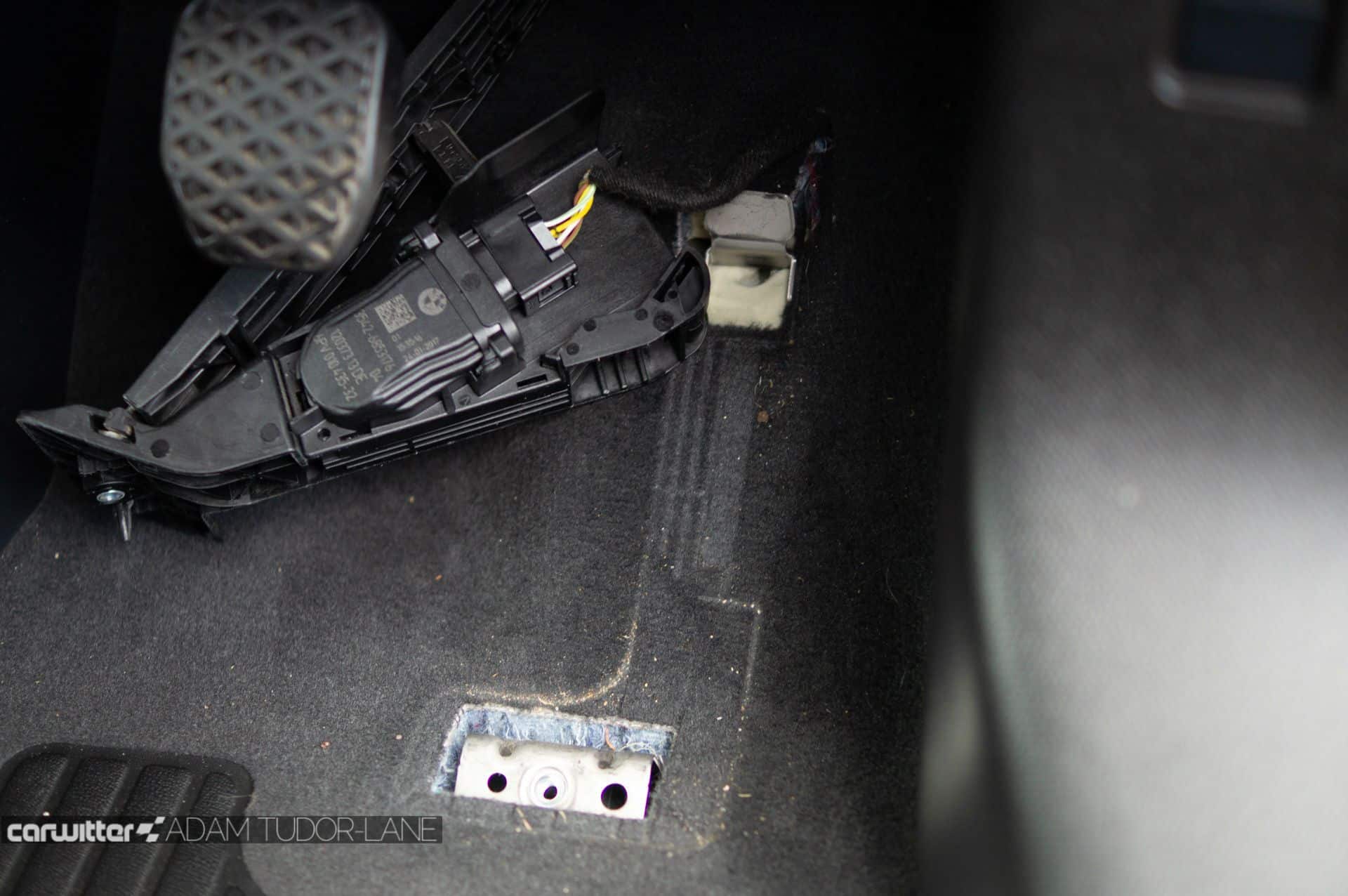
4. Gently pull it to the side to gain better access to the plug and wire.

5. Unplug, then feed the PedalBox wire from behind the carpet in the footwell and through the hole by the accelerator.
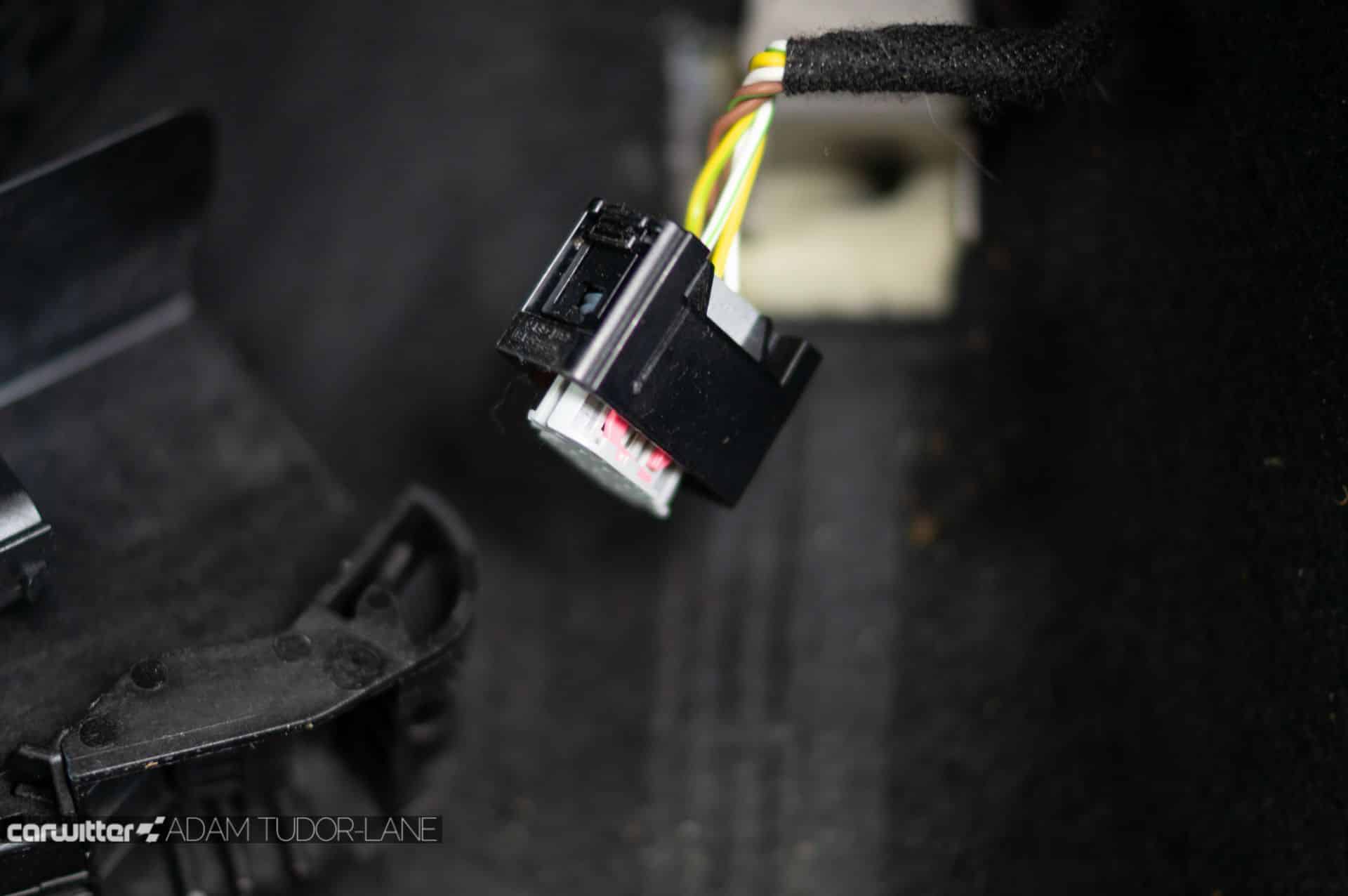
6. Plug in the PedalBox cable, and plug the original accelerator cable into the other PedalBox connector.

7. Push the wires back under the carpet, re-attach the throttle to the bracket. Align and screw back into place.
In total it took around 15 minutes.
Powering on the i3 and the PedalBox controller immediately lights up. Downloading the app and linking via Bluetooth was quick and easy; this gives you the same control as the palm-sized physical controller.
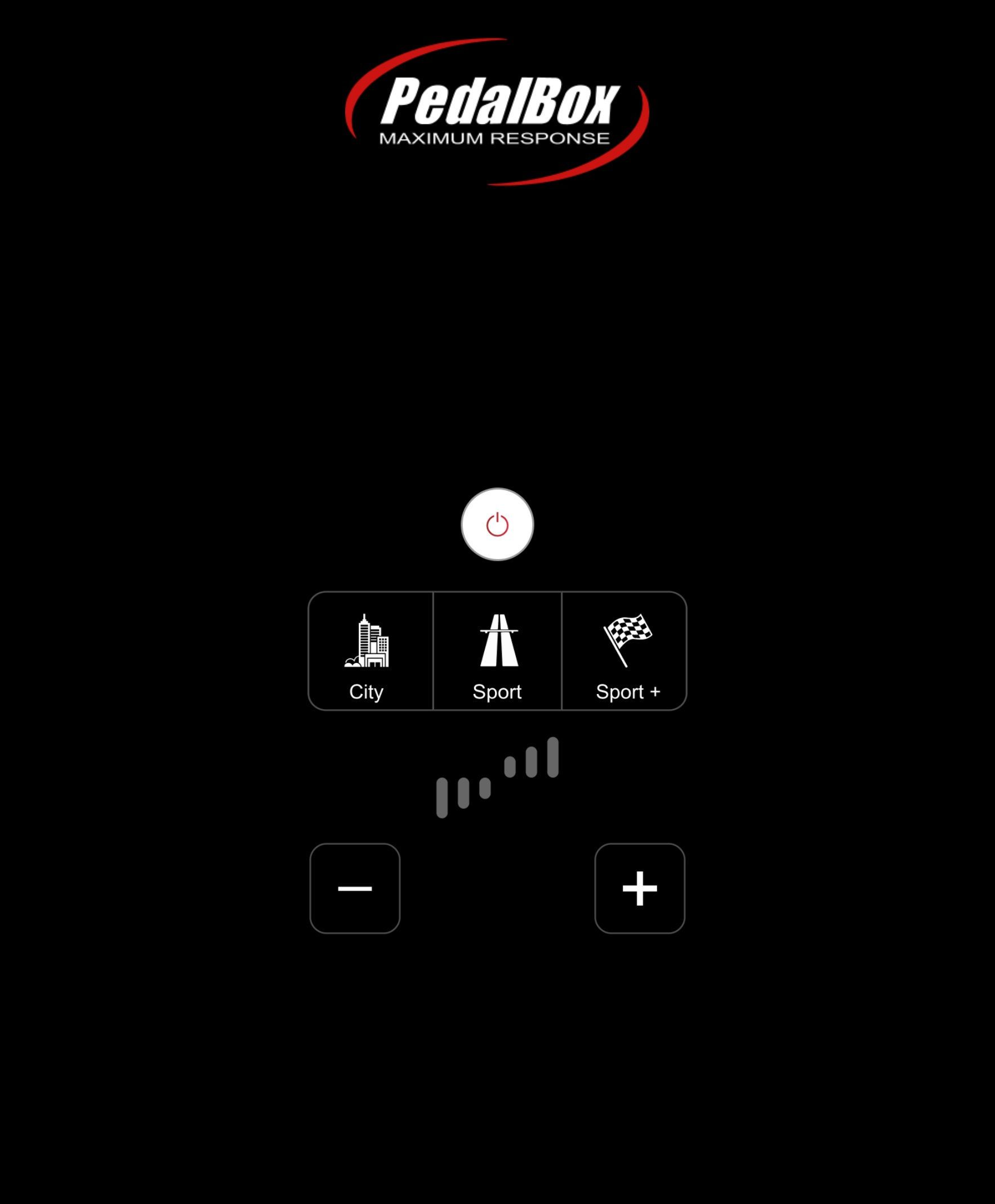
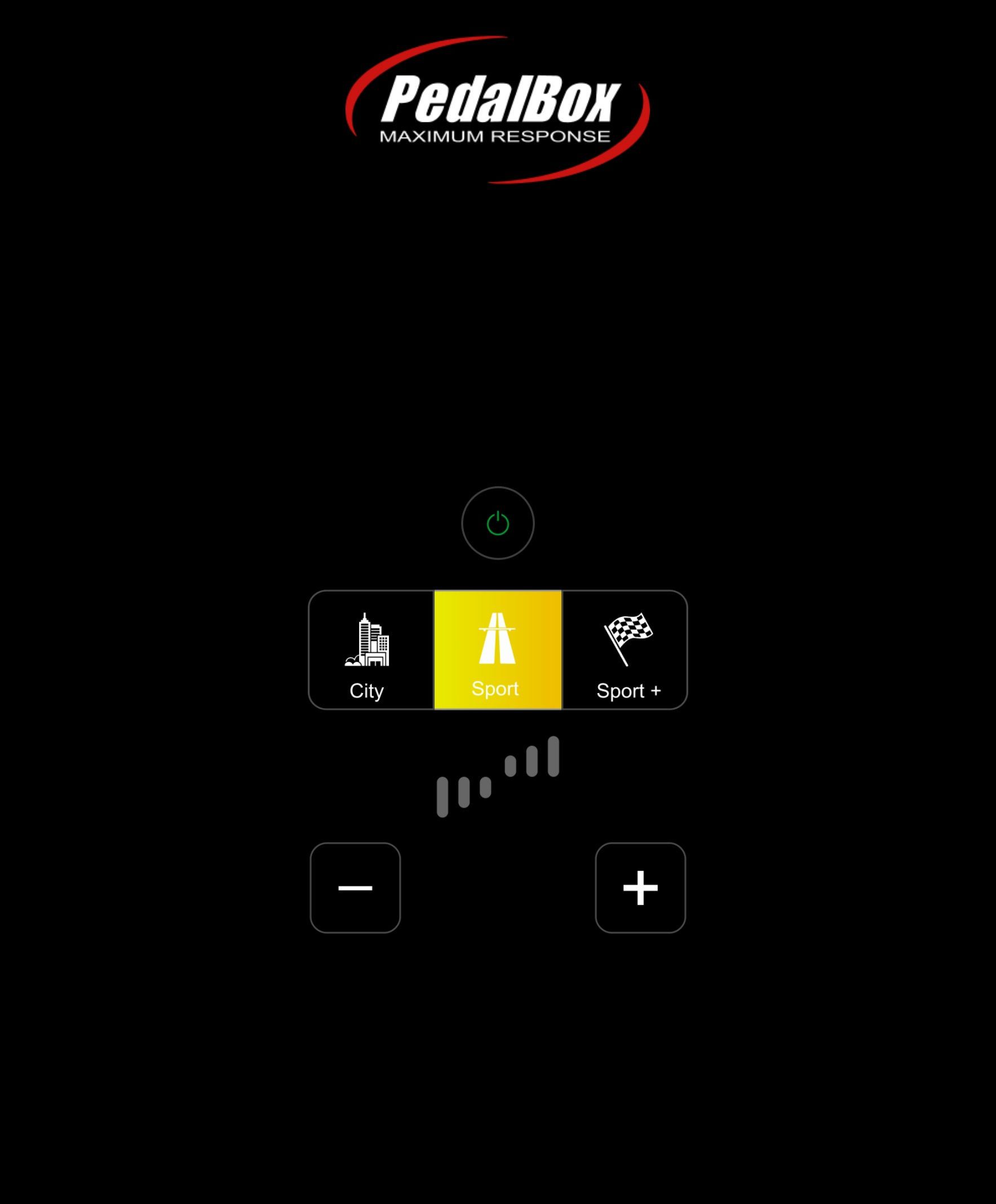
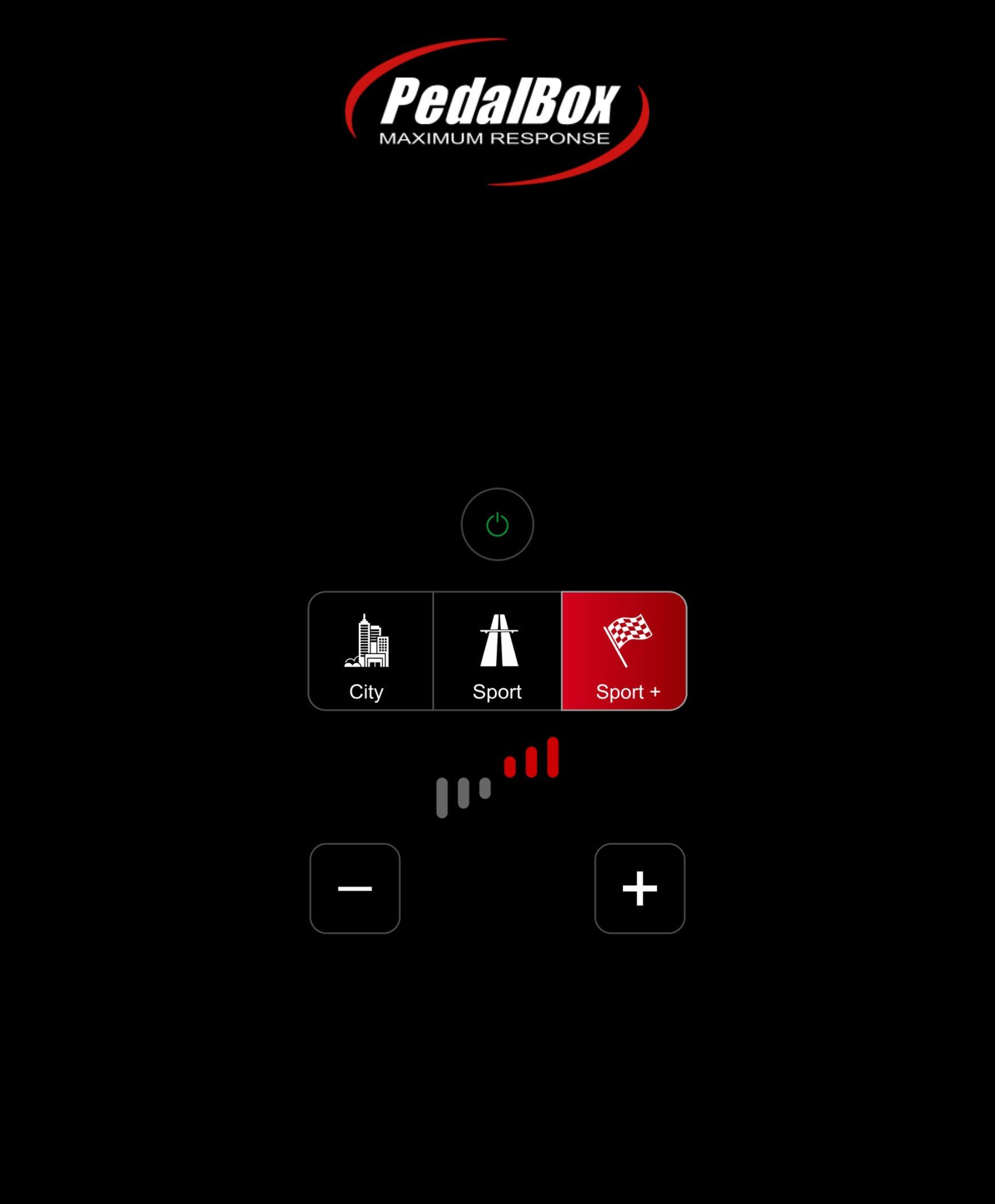
Setting the PedalBox to ‘Sport’, I went for a short drive.
What’s it like?
To say the difference is night and day is an understatement; now, the acceleration is near instantaneous. Instead of 2-4mm of play before you feel the car accelerate, it happens immediately.
Bumping up to ‘Sport+’ and increasing the red bars to full sensitivity, the accelerator becomes sports car like. A featherlight touch is all that’s needed to propel you forward.
It’s like adding the ‘Sport’ mode that the standard i3 lacks.
You most notice it out of corners or coming off of roundabouts. Instead of the pace progressively building as you accelerate out, you can now get on the power a lot sooner.
It also means those traffic light sprints happen quicker, as the time between pressing the pedal and the motor turning has been massively reduced. It’s almost like the throttle is linked to the motor by a cable. It’s that instant.
There’s also a ‘City’ mode, which will make the throttle less responsive. Ideal if you want to save battery power as it accelerates away slower.
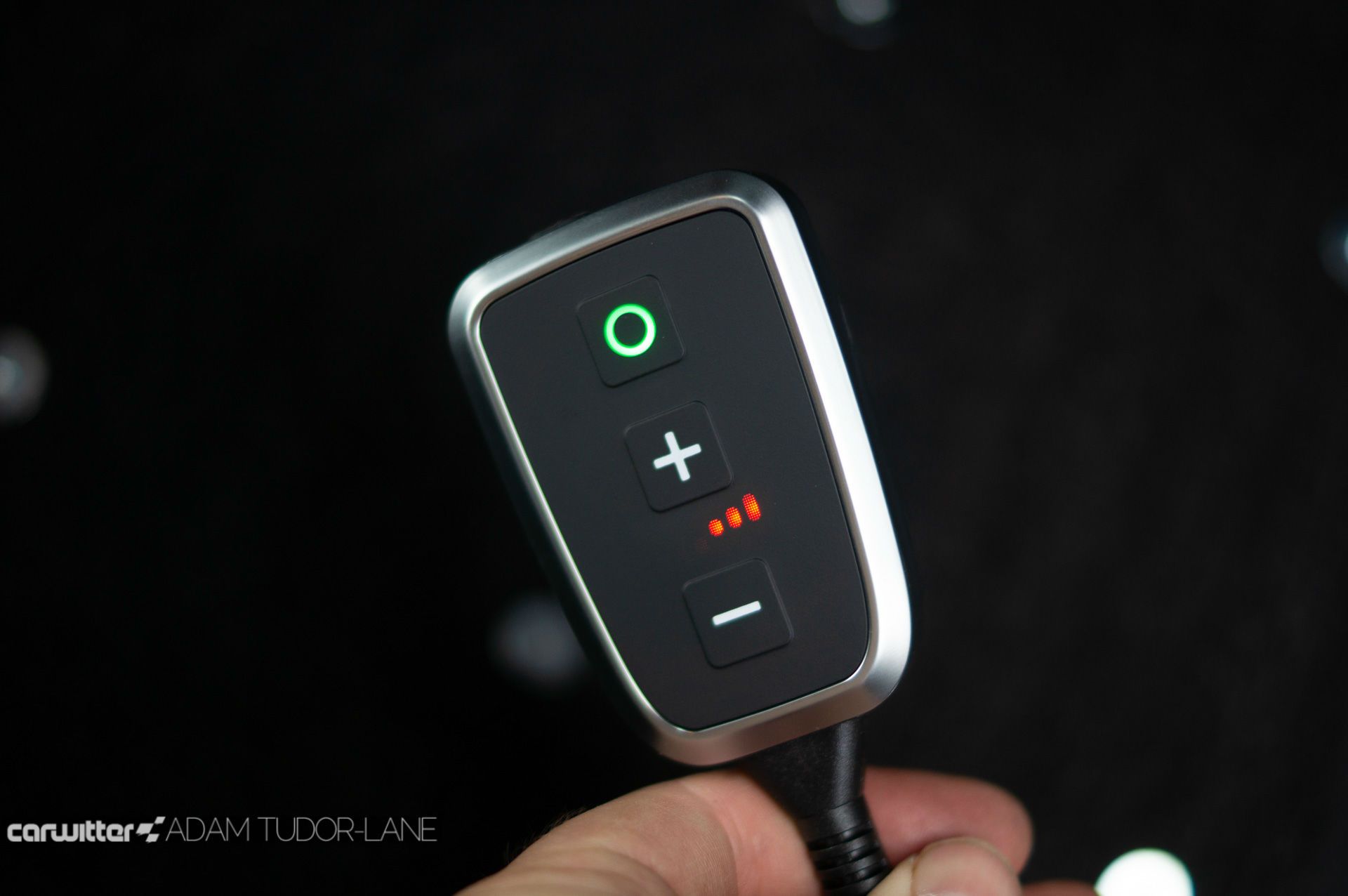
Changing mode is easy with the controller. Just press the circle button to cycle through the program settings.
- Green is City
- Yellow is Sport
- Red is Sport+
- White is Stock/Off
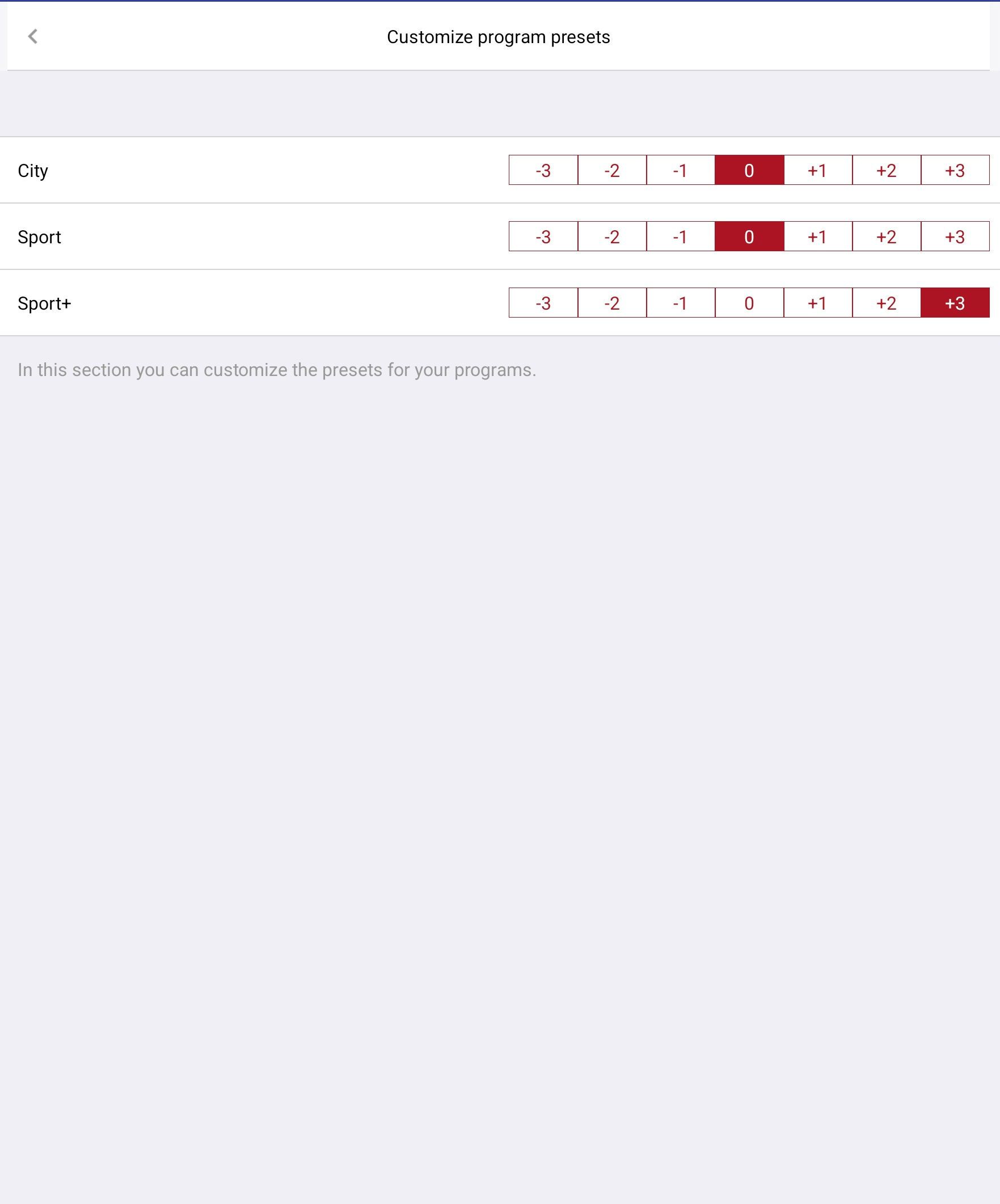
You can also increase or decrease the sensitivity of each default setting by using the +/- buttons on the controller. Doing so will increase the red bar on the right (more sensitive) or the green bar on the left (less sensitive).

The default levels for all three modes can be changed and saved permanently in the PedalBox smartphone app.
Build quality is excellent on the handheld controller. Finished in satin silver with an almost soft-touch plastic across the front, it feels premium and well built, with the materials matching what you’ll find in most cars.
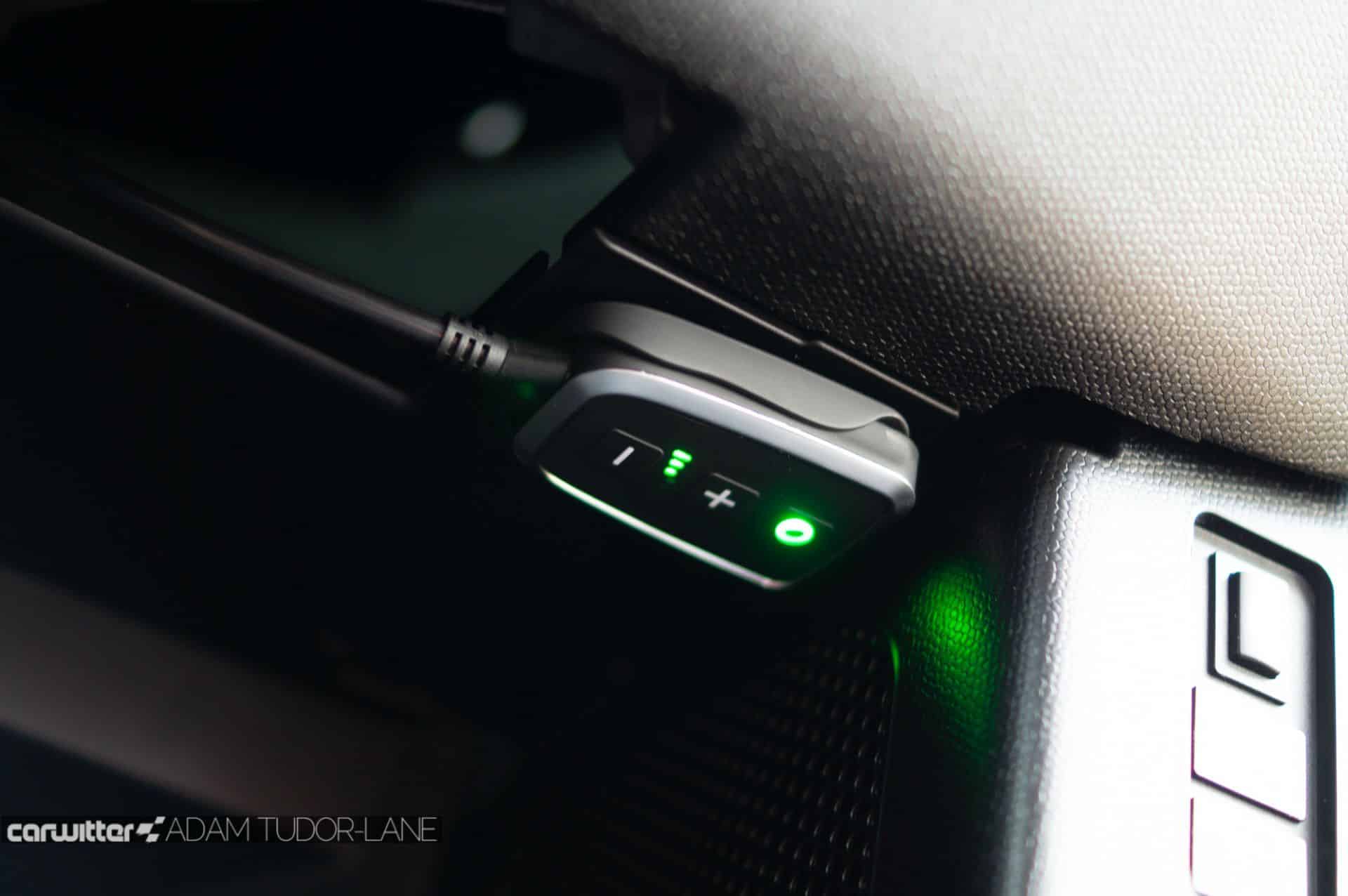
You get a bracket that the controller sits in along with some 3M sticky pads; I placed ours up, and under the steering wheel, so it’s pretty much hidden but can still be slid out of the holder if need be.
When you turn the car off and back on, the PedalBox remembers the setting you last had it in. So there’s no need to set it every time you drive; if you switch it off, it will remain off.
Going back to the ‘Stock’ throttle and the i3 almost feels like a slow, heavy, lumbering thing – which it totally isn’t. But the PedalBox transforms the car’s characteristics, making it far more engaging and driveable.
While I won’t be using it all the time, it’s a fun addition to have switched on when buzzing around town—adding that missing ‘Sport’ mode from the original i3.

Where can I a PedalBox?
You have to purchase the right PedalBox for your vehicle, as they use different plugs, and the programming inside is potentially bespoke depending on make/model.
So the best place to buy yours is direct from PedalBox; they’re posted out from Germany but arrive within a day or two.
You get a two-year warranty from DTE Systems on the PedalBox, and your insurance shouldn’t need to be notified as the engine remains standard.
