
If you have an iOS device you can now get Carwitter on your home screen just like any other app!

All you need to do is open Safari and enter: carwitter.com in the address bar and press Go.

Once the site has loaded then press the middle button on the bottom row of icons.

Then press Add to Home Screen.

After that just press Add in the top right!
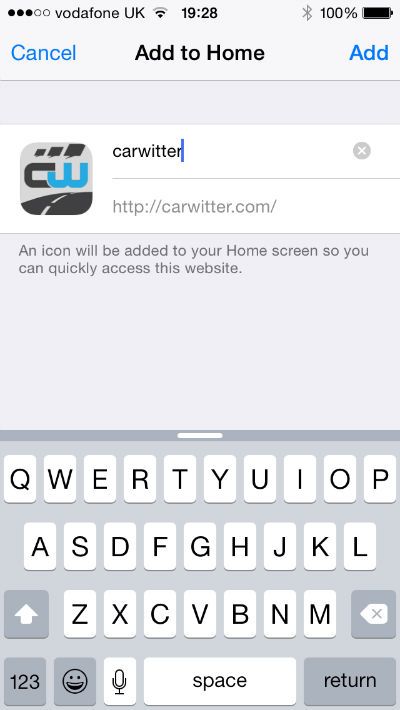
You will then have carwitter on your Home Screen along with all your other Apps, handy!

